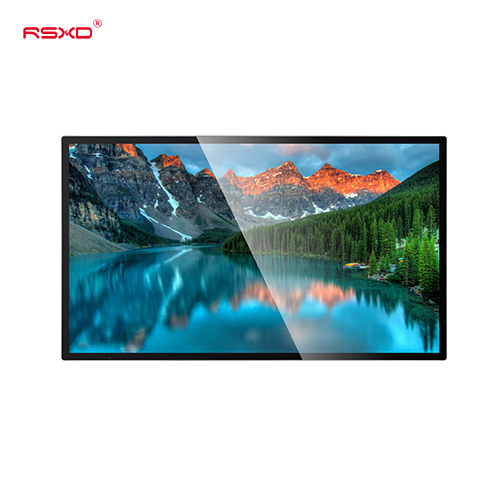
Wall-Mounted LCD Advertising Display
A commercial LCD display that places digital menus, promotions and information on the wall while keeping circulation space open.
Explore the configurationCommercial LCD displays, touch kiosks and integrated display solutions for teams turning a project brief into a working installation.
Compare the physical format, operating environment and content workflow. Build the specification around the way the display will be used.
View the collectionA commercial LCD display that places digital menus, promotions and information on the wall while keeping circulation space open.
Explore the configuration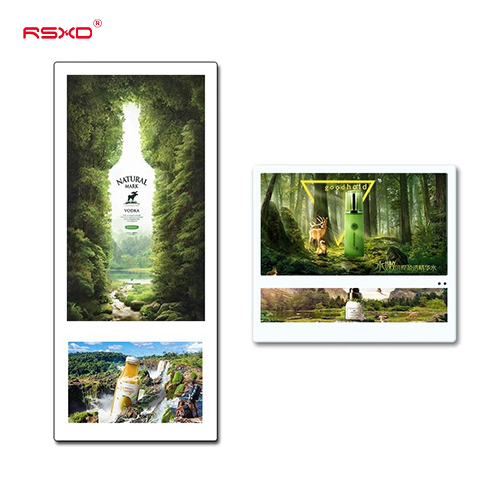
A compact information and advertising format for elevator cabins, lift lobbies and waiting areas.
Explore the configuration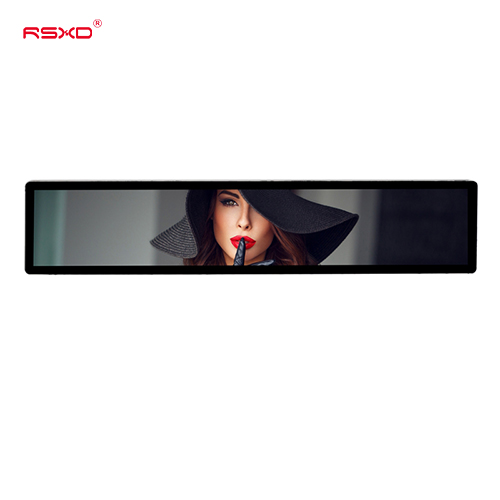
A long, narrow display for shelves, headers and information points where a conventional screen does not fit.
Explore the configuration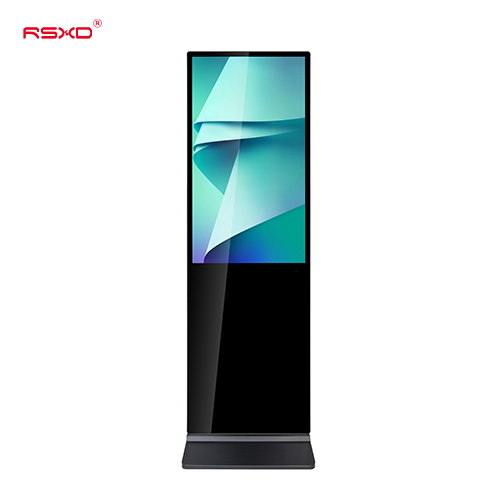
A freestanding digital poster for malls, hotel lobbies, exhibitions and other indoor communication points.
Explore the configuration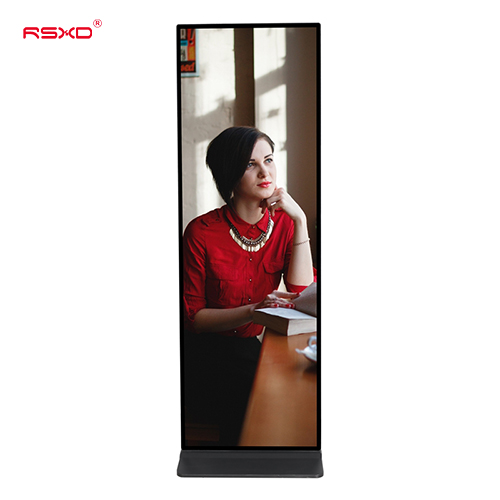
A slim visual format for full-height digital posters and brand communication in indoor commercial environments.
Explore the configuration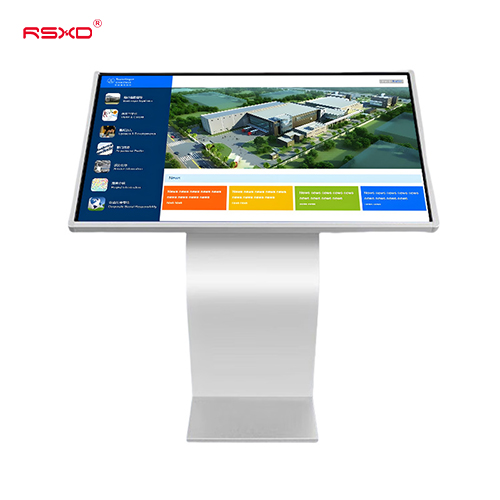
An angled landscape touchscreen for self-directed information, product exploration and visitor guidance.
Explore the configurationA display is part of a physical place and an operational workflow. Bring those requirements together early.
Check sightlines, ambient light, installation space, access and the operating environment.
Agree what people see or do, who updates the content and how hardware and software connect.
Approve drawings, model specifications, software scope and the installation and support responsibilities.
Explore planning considerations for common applications. These are deployment guides, rather than claims about completed customer projects.
Plan a consistent content system across stores, from menu boards and entrance totems to interactive product discovery.
Plan this applicationConnect visitor information, directories and guidance with a display format appropriate to the location.
Plan this applicationBring shared information and hands-on collaboration into meeting rooms, training centers and classrooms.
Plan this applicationA clear sequence reduces ambiguity between product selection, integration and site work.
Send location, quantity, use and available space.
Review the panel, system, enclosure and software scope.
Check drawings and a representative configuration.
Agree installation, content access and ongoing support.
Practical guides for specifying and operating your display project.
All resourcesTurn an initial screen enquiry into a usable procurement brief covering site conditions, content, integration and acceptance.
Evaluate a commercial display sample as a repeatable product configuration, from drawings and software to packaging and handover.
A practical cost model for display buyers covering installation, software, content operations, energy and maintenance.
Share the location, application and intended experience. We can review a configuration and the work needed to bring it into use.
Prepare a project inquiry